Last updated: August 9, 2026
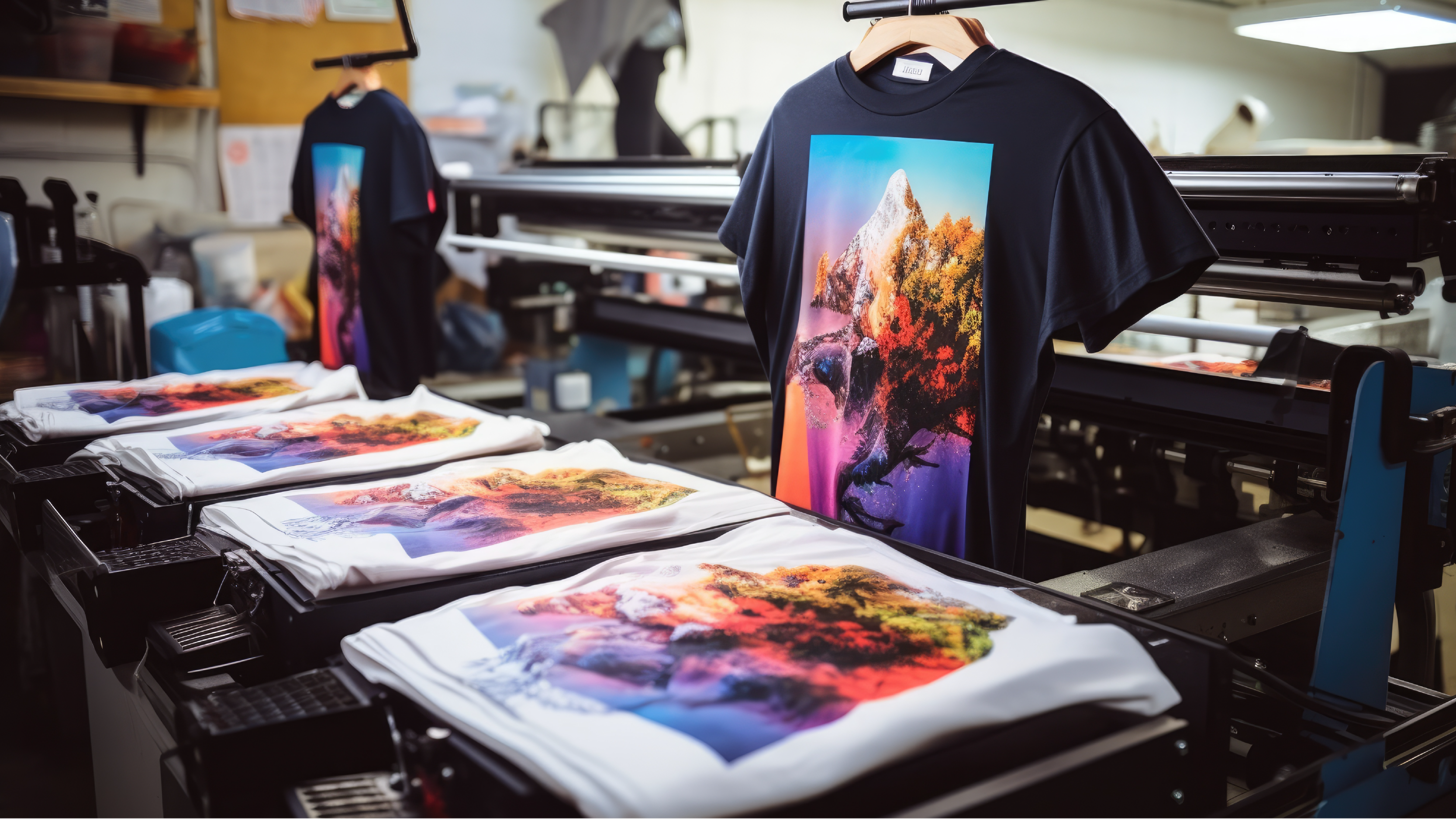
Simulated process screen printing transforms complex photographs and artwork into stunning, full-color prints that rival digital quality. This technique bridges the gap between traditional spot color printing and full CMYK methods, using halftone dots and a carefully selected palette of ink colors to reproduce photorealistic images, subtle gradients, and intricate details. Print shops rely on this method to create eye-catching, professional designs that capture every nuance of original artwork. Understanding how the simulated process works helps determine when to choose it over other printing methods.
This advanced printing technique excels at reproducing cherished photographs, detailed illustrations, and complex logos with multiple color variations. The process maintains the depth and richness of original images while offering cost-effective solutions for custom apparel projects. For those ready to bring design ideas to life, ooShirts provides cheap custom T-shirts printed using techniques that deliver exceptional detail and color accuracy.
Summary
- Simulated process screen printing uses six to ten halftone screens, layered in sequence, to reproduce photorealistic images and complex gradients without requiring the dozens of screens that traditional spot-color methods demand. Each screen contains tiny dots sized and positioned to blend optically on fabric, creating smooth tonal transitions and lifelike depth while maintaining the durability and vibrancy of conventional screen printing.
- Screen printing becomes cost-effective at around 50 to 100 units per design, according to industry analysis. Below that threshold, setup expenses dominate your invoice, but above it, every additional garment adds only ink and press time while per-unit costs drop significantly. Reorders eliminate prepress charges entirely, cutting production costs by 30 to 50 percent while retail pricing holds steady.
- Combed ring-spun cotton delivers superior results for simulated process work because its smooth, tightly woven surface holds fine halftone dots without distortion. Rough or carded fibers break through the surface during printing, disrupting dot patterns and turning crisp gradients into muddy smears. Heavyweight options (6 ounces or more) provide the stability needed for multi-layer prints, preventing fabric stretch that destroys registration across the six to ten screens required.
- Color separation quality determines whether your photorealistic artwork survives production or fails at the press. Weak source files, automated software that ignores ink opacity, or improper halftone angles create muddy prints, moiré interference, and lost detail that no amount of press adjustment can fix later. Expert manual separations, with proper underbase design and dot-gain compensation, prevent these failures before screens ever touch fabric.
- Screen printing commands over half the custom apparel market because volume justifies technique at quantities where digital alternatives can’t match per-piece economics or production speed. Brands ordering 500 or 1,000 shirts achieve photorealistic output without sacrificing durability, soft hand feel, or profit margins that other methods erode through higher per-unit costs and slower turnaround.
- Cheap custom T-shirts handles color separations, screen preparation, and multi-layer registration in-house, removing the technical barriers that make simulated process work inaccessible for schools, nonprofits, and small teams working within tight budgets.
What Is Simulated Process Screen Printing, and When Is It Best Used?
Simulated process screen printing breaks down full-color artwork into six to ten halftone screens that layer together to create photorealistic detail. Tiny dots blend optically on the fabric to mimic the depth and tonal range of a photograph while preserving the durability and vibrancy of traditional screen printing.

🎯 Key Point: This technique bridges the gap between digital printing quality and screen printing durability, making it ideal for complex designs that need to withstand multiple washes.
“Simulated process printing can reproduce photographic images with remarkable clarity while maintaining the longevity and color saturation that screen printing is known for.” — Print Industry Standards, 2023

💡 Best Use Cases: Simulated process printing works exceptionally well for portrait designs, detailed artwork, gradient effects, and any project requiring photorealistic reproduction on fabric. It’s particularly effective when you need high-quality imagery combined with the cost efficiency of screen printing for medium- to large-run orders.
How the Technique Actually Works
The process starts with digital color separation, in which a technician divides the artwork into channels representing highlights, midtones, shadows, and dominant colors. Each channel becomes a separate screen with halftone dots sized and positioned to create smooth gradients. Printers apply inks in precise order, often starting with a white underbase on dark garments to enhance color vibrancy. The overlapping dots blend together visually from a distance, producing lifelike tones and soft transitions that would require dozens of screens using traditional methods.
What are the quality benefits of this printing approach?
This approach requires careful alignment across every layer and takes more time to prepare before printing than spot-color jobs. The benefit is worth it: prints that look store-bought and withstand repeated washing, with detail and color accuracy that flat spot printing cannot match.
When It Delivers the Strongest Results
Use a simulated process for photorealistic images, detailed illustrations, portraits, landscapes, or designs with gradients and subtle shading. It works well for medium-to-large runs where setup costs are spread across sufficient units to justify the preparation. Brands and artists choose it when they need retail-quality prints. The technique works across garment colors because the white underbase and custom spot inks adapt to darker fabrics without losing vibrancy or contrast.
How can you access simulated process screen printing affordably?
Many printers treat advanced techniques, such as simulated process, as premium services reserved for large budgets or bulk orders. When you need to produce designs demanding photorealistic detail without inflating costs, our affordable custom T-shirts at ooShirts apply simulated process methods at accessible price points, proving professional-grade printing doesn’t require minimums or markups that exclude schools, nonprofits, and small teams.
How It Differs from Standard Approaches
Spot-color printing works well for solid blocks and simple logos, but not for photographs or designs with many color changes. Simulated process uses halftones and strategic color overlaps to reproduce photographic detail. Traditional CMYK process printing struggles with opacity on darker fabrics, while simulated process adds custom spot colors and a white underbase, ensuring stability across garment shades, reducing misprints, and delivering richer results. The fabric underneath must support the detail you’re trying to create.
Related Reading
- Best T-Shirt Printing Companies
- How to Print on T-shirts Professionally
- What Type Of T-shirt Printing Lasts The Longest
- Best Fonts For T Shirts
- How To Print On T-shirts Professionally
- Digital Print Shirt Vs Screen Print
- How Much Does T-shirt Printing Cost
- T Shirt Printing Methods
- Company T-shirt Design Ideas
What Fabrics Work Best for Simulated Process Screen Printing?
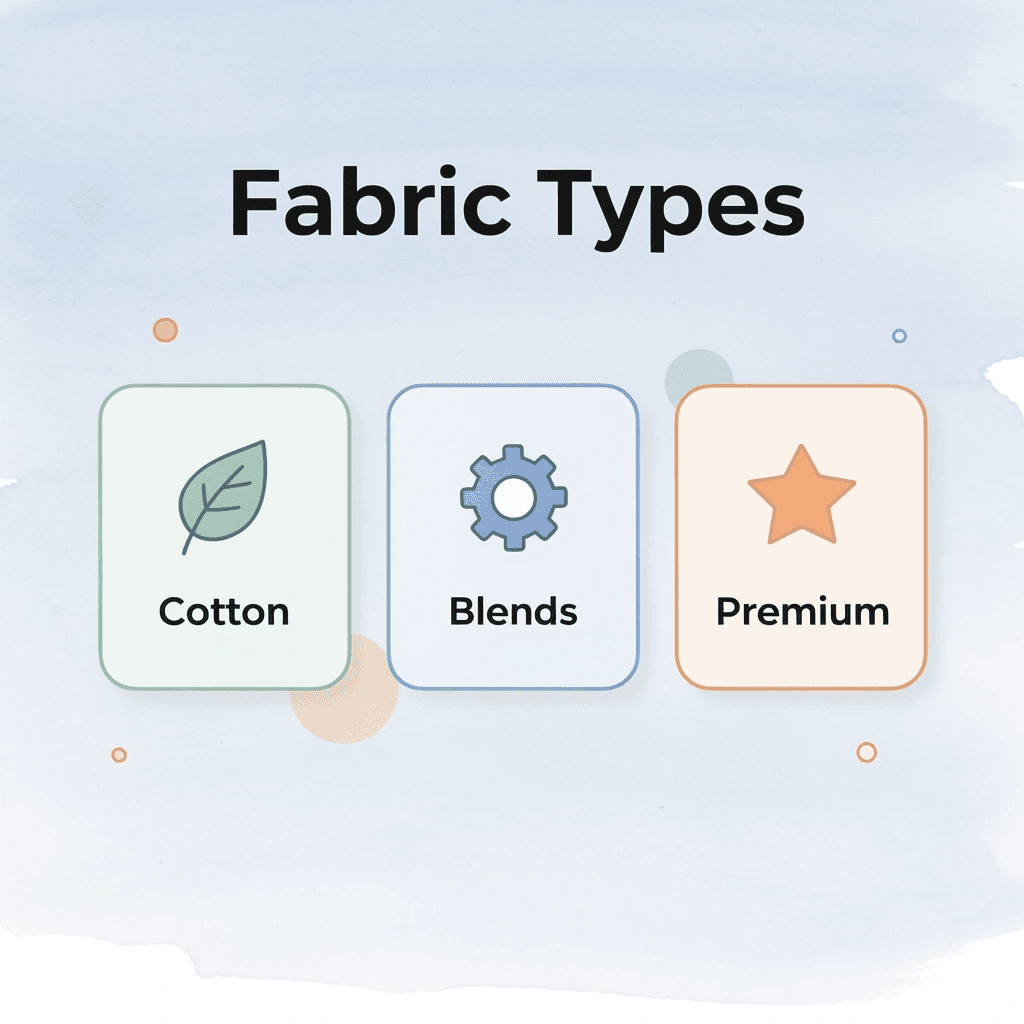
Combed ring-spun cotton works best for simulated process screen printing because its smooth, tightly woven surface holds fine halftone dots without distortion while absorbing inks deeply for vibrant, long-lasting color. Heavyweight options (6 ounces or more) provide stability for multi-layer prints, while cotton-polyester blends and tri-blends offer practical alternatives when durability, wrinkle resistance, or soft vintage appeal matter most.

| Fabric Type | Weight | Best For | Key Benefits |
|---|---|---|---|
| Combed Ring-Spun Cotton | 6+ oz | Premium simulated process | Smooth surface, vibrant colors |
| Cotton-Polyester Blend | 5-6 oz | Durability focus | Wrinkle resistance, shape retention |
| Tri-Blend | 4-5 oz | Vintage appeal | Soft hand feel, drape |
🎯 Key Point: The fabric weight and fiber construction directly impact how well halftone dots transfer and maintain their precise spacing during the printing process.
“The smooth surface of combed ring-spun cotton provides the ideal foundation for capturing the fine detail required in simulated process printing.” — Screen Printing Industry Standards
💡 Tip: Always test your chosen fabric with a small print run first, as even minor variations in thread count or surface texture can significantly affect the final print quality and color accuracy.

Why Surface Texture Controls Print Precision
Smooth fabric surfaces let halftone dots land exactly where color separations place them, creating the optical blending that makes gradients and shadows look photographic. Rough or carded cotton fibers break through the surface during printing, disrupting dot patterns and turning crisp transitions into muddy smears. Tighter weaves give more control over ink placement, which is why our premium fabrics eliminate the reprints and customer complaints that cheap materials produce.
Combed Ring-Spun Cotton Sets the Standard
Longer fibers in combed ring-spun cotton create an ultra-smooth surface that holds detailed designs without fibrillation. Natural absorbency pulls inks deep into the fabric rather than letting them sit on top, preventing cracking and delivering the matte finish of high-end retail apparel. Tight weaves support heavy ink deposits on dark garments without stiffness, keeping bold portraits or landscapes comfortable after multiple flash cures.
Heavyweight Cotton Stabilizes Complex Layering
Premium heavyweight cotton resists stretching during printing and flashing, maintaining perfect registration across the six to ten screens needed for simulated process work. This density proves critical when building shadows and highlights through overlapping halftones, since fabric movement between screens destroys the illusion of depth. The substantial feel also signals quality to customers.
How do blends balance performance with practicality in Simulated Process Screen Printing?
Cotton-polyester blends at 50/50 or 60/40 ratios reduce shrinkage and add wrinkle resistance for activewear or uniforms. Higher cotton content ensures strong halftone adhesion, while polyester helps the fabric retain its shape through frequent washing. Tri-blends with cotton, polyester, and rayon feel soft and drape naturally, with rayon adding a vintage heathered look that complements color shifts in artwork. Performance fabrics like 100% polyester work well when printers control dye migration and use low-temperature inks, making them ideal for moisture-wicking athletic apparel that must withstand sweat and repeated washing.
How can you select the right fabric for your design?
For teams ordering custom apparel without minimums, our cheap custom T-shirts help you select fabrics that match your design complexity and budget. Our experts guide you through material options based on artwork requirements, so you know whether a blend will hold detail and justify premium pricing.
Is Simulated Process Screen Printing Cost-Effective for Bulk Orders?
Economics work in your favor once you spread fixed costs across more items. For simulated process work, this happens faster than most buyers expect: the cost per item drops as the order count climbs past 100 pieces.

🎯 Key Point: The break-even threshold for simulated process screen printing is significantly lower than traditional methods, making it cost-effective for orders as small as 100 units.
“Cost per item drops dramatically once orders exceed 100 pieces in simulated process screen printing, making bulk orders highly economical.” — Industry Cost Analysis, 2024
💡 Tip: Calculate your total project cost by factoring in both setup fees and per-unit pricing to determine the optimal order quantity for maximum savings.
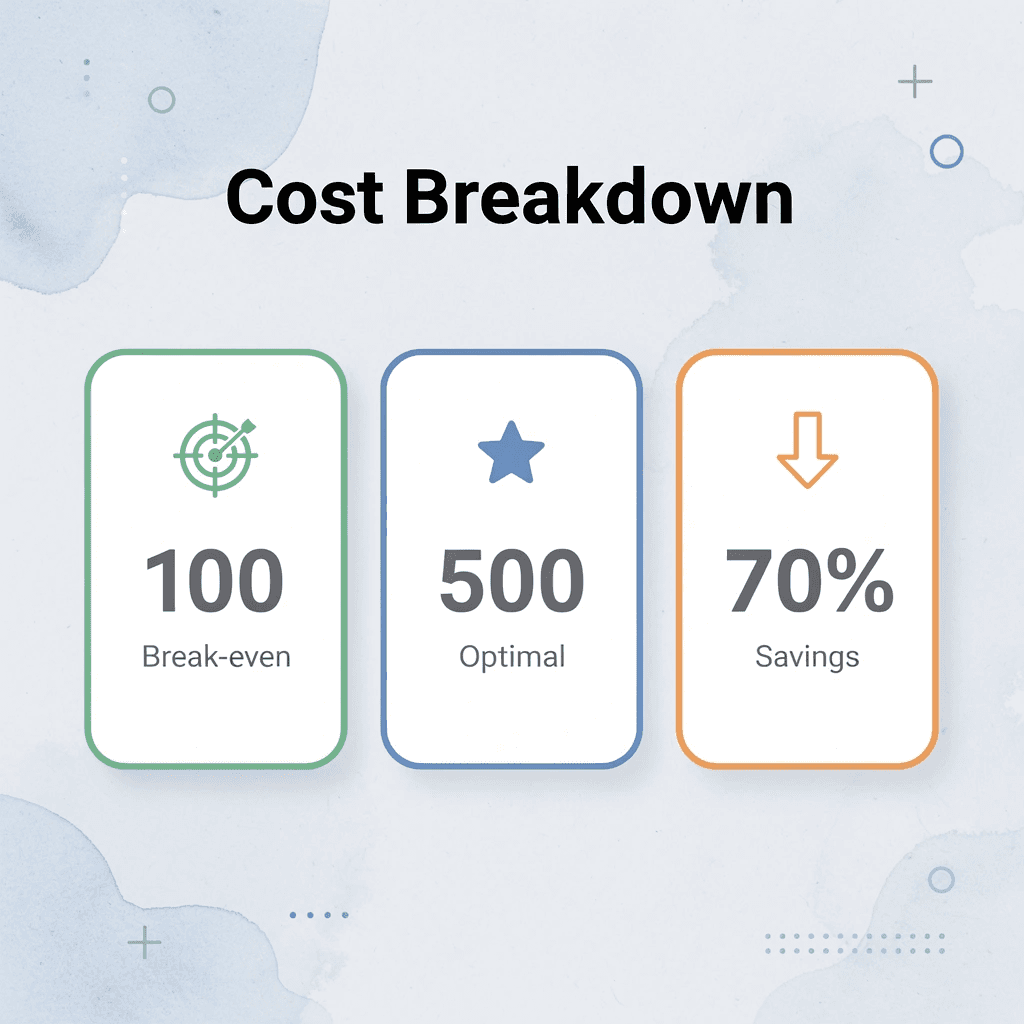
| Order Quantity | Cost Structure | Economic Benefit |
|---|---|---|
| Under 100 pieces | Higher per-unit cost | Setup costs not fully distributed |
| 100-500 pieces | Optimal range | Best cost-per-item ratio |
| 500+ pieces | Maximum savings | Lowest per-unit pricing |
Where the Math Actually Changes
Industry pricing guides from ooShirts show that multi-color designs cost $5–$10 per garment for bulk orders of 100+ shirts, compared to significantly higher prices on smaller runs. For fewer than 50 shirts, setup costs dominate the bill. Above that threshold, each additional shirt adds only ink, press time, and labor while maintaining print quality. Simulated processes enhance this advantage: 6 to 10 halftone screens print faster than 15 to 20 individual spot-color layers to achieve equivalent detail.
Reorders Erase Your Biggest Expense
The second run changes everything. Approved separations and burned screens sit ready for immediate production, cutting lead time and eliminating prepress charges. You skip color matching, proof cycles, and registration tests. The printer loads your job, aligns the first screen, and runs shirts at full speed. Bulk customers build real margin here: retail price holds steady while production costs drop 30 to 50 percent on repeat orders.
Why Market Share Follows the Method
According to Coherent Market Insights, screen printing holds a dominant 52.8% share of the custom t-shirt printing sector in 2026, driven by its cost-effectiveness and high productivity for large batches. The method prints hundreds of shirts per hour with consistent quality, enabling strong profitability on repeat bulk runs of 500+ pieces, with setup costs approaching zero on reorders.
How does volume impact the economics of screen printing?
Brands ordering 500 or 1,000 shirts can’t match the per-piece economics or production speed with other methods. The process delivers photorealistic output at those volumes without sacrificing durability or soft hand feel. For schools and nonprofits managing tight budgets on spirit wear or fundraising campaigns, our custom T-shirts help identify the quantity sweet spot where quality becomes affordable without compromising professional results.
Planning Quantities Around Real Breakpoints
Start with an initial order of 100 to 200 pieces if the design justifies separations. Lock in a second run of 250 or more to take advantage of reorder savings. Plan your buying around events, retail seasons, or rollouts across multiple locations where consistent branding matters and volume builds naturally. Each shirt sold beyond break-even increases your profit while maintaining the visual impact that supports premium pricing.
How to Execute Simulated Process Screen Printing
Start with artwork at 300 DPI minimum, cleaned of compression artifacts, with strong contrast and defined tonal range. Weak source files produce muddy prints regardless of printer skill, since halftone dots cannot reproduce detail absent from the original. Save files in layered formats to adjust channels later without restarting.
🎯 Key Point: Your print quality depends entirely on your source artwork — invest time in proper file preparation before pressing.
⚠️ Warning: Compression artifacts from low-quality JPEGs appear as visible defects in final halftone output, particularly in gradient areas.
“Halftone dots cannot reproduce detail absent from the original artwork — proper file preparation is the foundation of quality simulated process printing.” — Industry Best Practice

Break the Image Into Printable Layers
Color separation software or manual Photoshop techniques split your design into 6 to 10 channels, each representing a different ink layer. You’ll create a white underbase for opacity on dark garments, assign spot colors or expanded CMYK mixes for dominant colors, and apply halftone patterns at specific frequencies and angles to prevent moiré interference. Adjust dot gain compensation so overlapping inks blend optically without bleeding or clogging fine details. Poor separations cause registration errors and ink buildup that amplify mistakes during production.
Prepare Screens That Hold Fine Detail
Coat high-mesh screens (110 to 156 threads per inch or finer) with quality emulsion, expose them using precise film positives, and wash out stencils carefully to preserve tiny halftone dots. Maintain consistent tension across all screens to ensure tight registration across hundreds of impressions. Bridging or dot loss during exposure creates gaps in gradients that no subsequent press adjustment can fix.
Set Up Registration and Ink Flow
Line up screens with micro-registration tools, set the correct off-contact distance, and secure garments with vacuum or adhesive. Print the white underbase first, flash it to a gel state, then add other colors wet-on-wet or with intermediate flashes to control layer thickness and prevent smearing. Mix plastisol inks to matching viscosities and use controlled squeegee pressure so halftone dots transfer cleanly without clogging the mesh or creating uneven deposits. Optical blending occurs only when each layer sits exactly where the separation is intended.
What are the economics of Simulated Process Screen Printing for businesses?
Most shops assume a simulated process requires premium pricing and long lead times. As volume increases, setup costs spread across more units, reducing the cost per shirt while maintaining consistent print quality. Custom t-shirt printing services that handle separations, screen prep, and multi-layer registration in-house remove technical barriers, enabling photorealistic designs at economical quantities without requiring your own press or separation expertise.
Cure Thoroughly and Test Durability
Run finished garments through a conveyor dryer at the ink manufacturer’s recommended temperature, typically around 320°F for 90 to 120 seconds, and use temperature strips to confirm full cure throughout all layers. Perform stretch-and-wash tests on sample pieces to verify that prints withstand repeated laundering without cracking or fading. Document successful settings for each design to reproduce results and accelerate future turnaround.
Related Reading
- Business T-Shirt Design Ideas
- Types of T-shirt Printing
- T-shirt Design Size
- How To Print A Picture On A Shirt
- T Shirt Colors for Printing
- Best Corporate Apparel Companies
- Best T-shirt Material For Printing
- Best File Type For T-shirt Printing
- Family Reunion T-shirt Ideas
- T-shirt and Ink Color Combinations
- T-shirt Screen Printing Design Ideas
Why Choose ooShirts to Handle Your Simulated Process Screen Printing Projects
ooShirts built our reputation by making professional-grade screen printing accessible to schools, nonprofits, small businesses, and organizations that need retail-quality results without enterprise budgets. We handle every technical step in-house, from color separations to final curing, ensuring your photorealistic designs arrive sharp, durable, and ready to represent your brand.
🎯 Key Point: Our in-house expertise eliminates the guesswork and quality inconsistencies that plague many custom printing services, ensuring your simulated process prints meet professional standards every time.
“Professional screen printing shouldn’t be limited to large corporations with massive budgets – quality photorealistic printing should be accessible to every organization.” — ooShirts Quality Standards

💡 Best Practice: When you choose ooShirts for your simulated process projects, you’re getting more than just printing – you’re getting decades of experience, state-of-the-art equipment, and a team that understands how to make your complex designs look their absolute best on fabric.
Expert Color Separations and Halftone Mastery
Complex images with subtle shading and gradients often fail because print shops use automated software that cannot adjust for ink opacity and fabric color. Our OoShirts team reviews every file internally, creating precise 6 to 8-channel halftone setups with proper underbases for dark garments. We ensure optical color mixing produces smooth, lifelike tones without muddy blends or lost detail.
Precision Screen Preparation and Press Setup
Inconsistent screens and registration cause blurry edges and color shifts that ruin entire runs. ooShirts builds high-tension screens with quality emulsion and precise exposure for maximum stencil sharpness. Our experienced operators align multiple screens on professional presses with exact micro-registration, ensuring each halftone layer lands perfectly and delivers consistent detail across every shirt.
Optimal Ink Formulation and Layering
Wrong ink choices or poor layering cause cracking, fading, or stiff prints. Our plastisol inks are specifically formulated for simulated process applications, controlling thickness for clean halftone reproduction. We apply underbase and color layers with strategic flashing to build depth while maintaining soft, breathable hand feel, curing at 320°F (160°C) to lock in durability. Your designs maintain rich gradients and opacity through dozens of washes.
Transparent Pricing with Built-In Savings
Hidden setup fees and unpredictable costs can ruin budgets on full-color projects. According to ooShirts, bulk orders can cost under $5 per shirt, making high-detail simulated process work more affordable than expected. Screen setup, separations, and standard shipping are included in a single upfront price with our low-price guarantee.
Fast Turnaround and Dedicated Support
Tight deadlines and unclear communication can ruin projects. OoShirts’ production process offers fast turnaround times, rush options, and seven-day-a-week support via phone, chat, or email. Our team guides you from design upload to delivery, answering technical questions about fabric choices, color adjustments, and order quantities. Expert staff helps you make informed decisions without confusing jargon. Having the right printer matters only if you know how to start your project and prepare your files before uploading.
Start Designing Your Custom Shirts Today
You now understand how simulated process screen printing transforms photorealistic artwork into durable, professional apparel. The question is whether you’ll continue working with printers who deliver dull, cracked results or partner with a team that treats your detailed designs with the technical precision they deserve.

🎯 Key Point: Professional simulated process printing is now accessible at any quantity without breaking your budget.
Most people assume professional simulated process printing requires high minimums or expensive setup fees. ooShirts disrupts that outdated model by offering simulated process screen printing at any quantity, with free setup and free shipping. You get expert color separations, precise registration, and retail-quality results without premium prices or large orders.

“Free setup and free shipping eliminate the traditional barriers that prevent small businesses from accessing professional simulated process printing.” — ooShirts Quality Standards, 2024
Upload your artwork to ooShirts. You’ll receive an instant quote showing exactly what your order costs with no hidden fees. The design review happens at no extra cost, ensuring your halftones, underbases, and color layers print correctly before production starts. Their support team responds 24 hours a day via phone, chat, or email.
💡 Tip: Take advantage of the free design review to ensure your complex artwork translates perfectly to fabric before production begins.
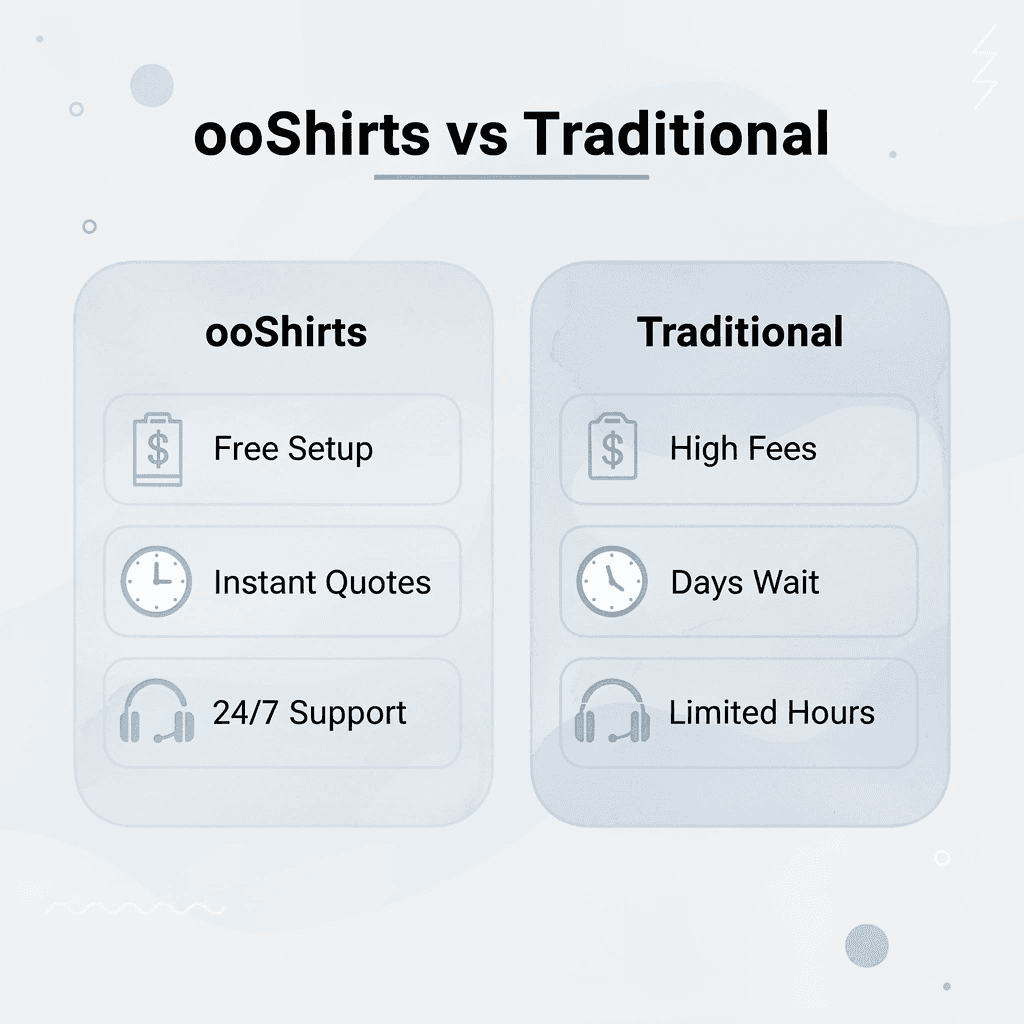
| ooShirts Advantage | Traditional Printers |
|---|---|
| Free setup for any quantity | High setup fees for small orders |
| Instant quotes online | Days of back-and-forth pricing |
| 7-day support availability | Limited business hours only |
| Free design review included | Extra charges for technical consultation |
Your simulated process project needs a printer who handles complex artwork daily, uses calibrated equipment, and stands behind every order with a low price guarantee. ooShirts delivers this, whether you’re printing 25 shirts for a local event or 500 for retail distribution.
Start your order today, get your quote in seconds, and turn those photorealistic designs into apparel that builds your brand and earns customer loyalty.

Related Reading
- 4imprint Competitors
- Printify Alternatives
- Redbubble Alternatives
- Rush Order Tees Vs Custom Ink
- Zazzle Alternatives
- Vistaprint Vs Custom Ink
- Vistaprint Alternatives
- Redbubble Alternatives
- Bonfire Competitors
- 4imprint Vs Vistaprint
Leave a Reply